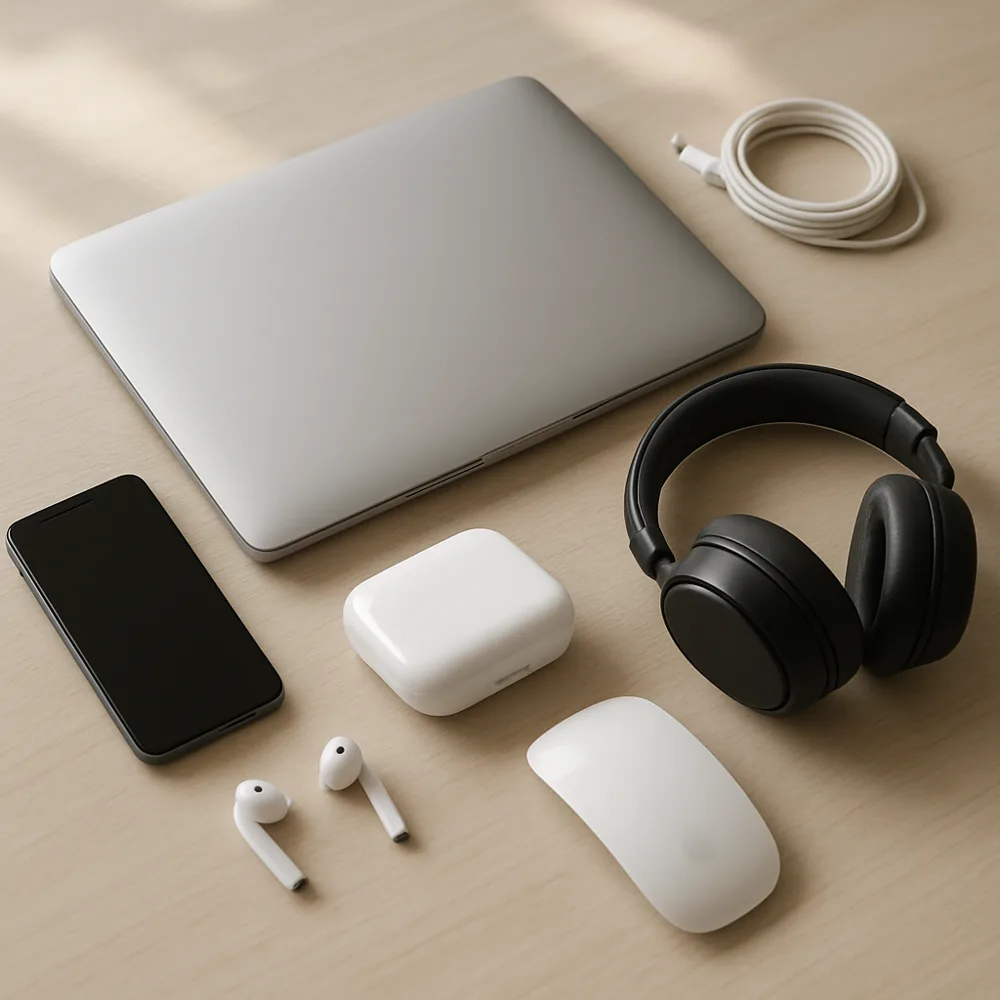
Before packing, back up important files and note any settings or account details you will need later. Photograph complicated cable arrangements so you can reconnect equipment without guessing. Power devices down fully, remove batteries or detachable accessories where the instructions recommend it, and disconnect cables without pulling on the leads.
Use original packaging when available, or wrap each item in protective material that prevents movement. Pack screens upright where practical and avoid placing heavy objects on top of them. Keep small accessories, remotes, and screws in labeled bags associated with their devices. Do not leave loose items inside a computer case or a television stand where they could shift during transport.
Mark boxes as fragile and keep them away from moisture, extreme heat, and pressure. For equipment with a hard drive, follow the manufacturer's guidance for safe transport. At the new location, let devices adjust to room temperature if they were exposed to cold before powering them on, and check cables for damage. Reconnect one system at a time, verify each device works, and only then route cables neatly into their final positions.