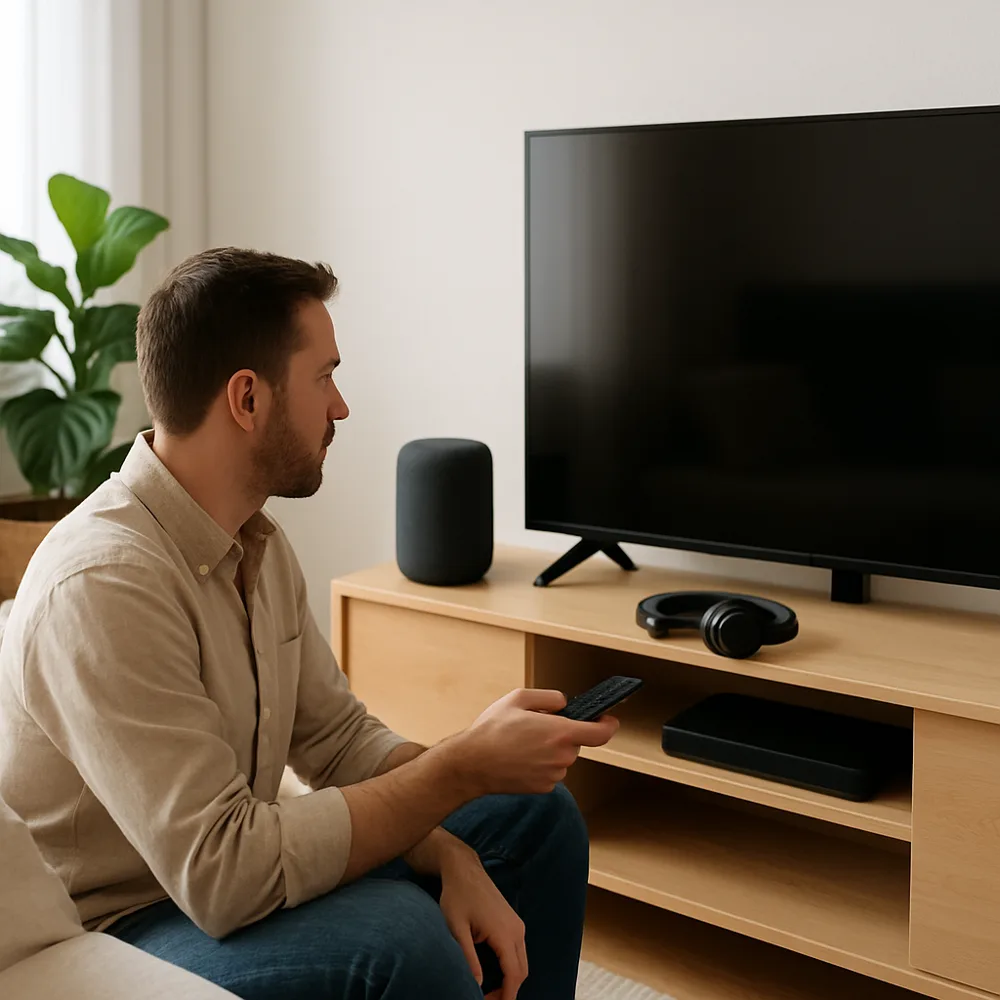
Plan the layout before connecting cables. Center the television or projector around the main seating position, then place the front left and right speakers at a similar distance from the listener. A center speaker should be close to the screen so dialogue seems to come from the picture. Surround speakers work best when positioned to create an enveloping field rather than aimed directly at one seat.
Use the receiver or sound system's setup guide to connect each speaker to the correct output. Keep speaker polarity consistent, and label cables at both ends if several wires run behind furniture. Connect source devices to the display or receiver according to the features you need, such as high-resolution video or audio return from the television. Select the matching input and audio output settings in each device's menus.
Run the system's room calibration if available, but treat its results as a starting point. Confirm speaker sizes, distances, and channel levels, then listen to dialogue and familiar music from the main seat. Avoid burying a subwoofer in a closed cabinet, and adjust its level so bass supports rather than overwhelms the rest of the sound. Secure cables along walls and keep ventilation openings clear.