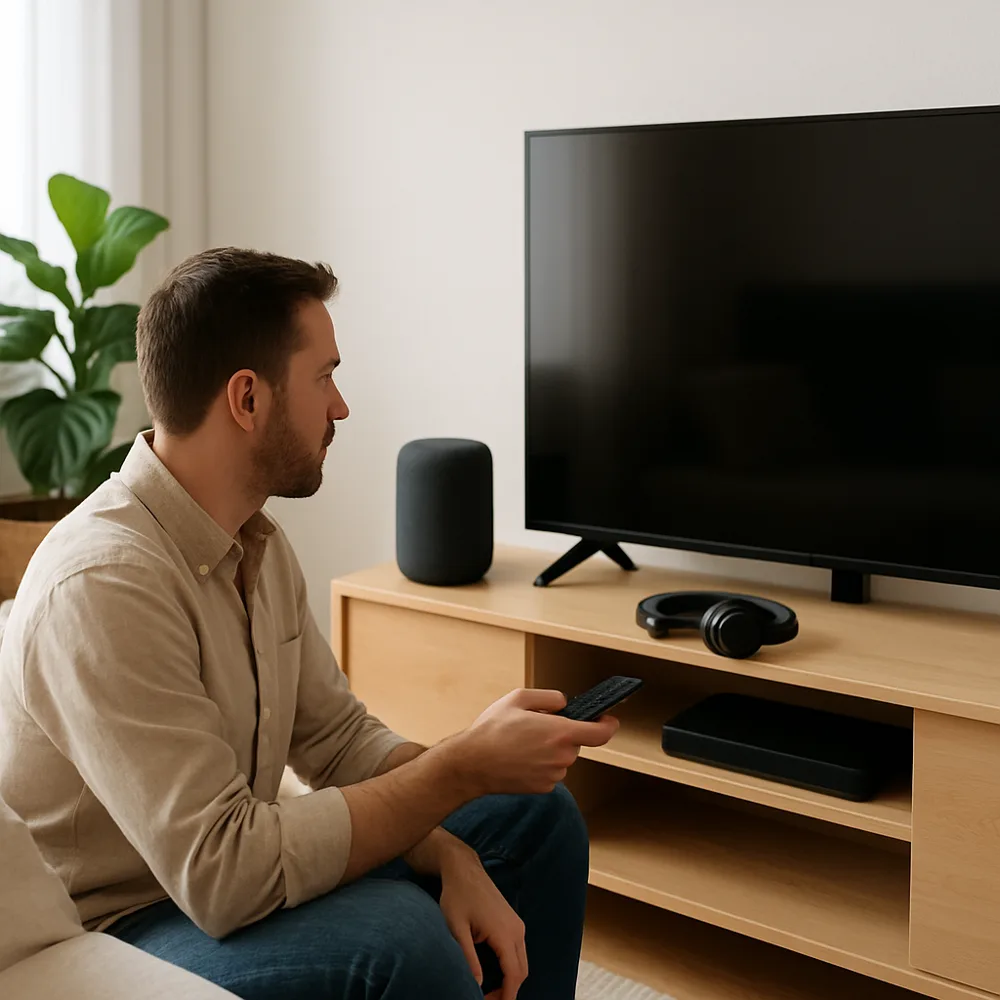
Choose a location where the speaker can hear requests but is not constantly exposed to moisture, heat, or heavy background noise. A central spot can make voice pickup easier, although music quality and room acoustics also matter. Keep the device away from walls or corners if bass sounds boomy, and leave enough space around its microphones and controls.
Follow the setup process in the manufacturer's app, connect the speaker to the correct wireless network, and install available updates. Give the device a name that is easy to distinguish if you use more than one speaker. Review privacy controls, microphone mute options, voice history settings, and which accounts or services can access personal information. Add only the integrations you plan to use.
Test simple commands at a normal speaking volume and adjust the speaker's equalizer or placement if responses or playback seem weak. Set up household access carefully so people know how to pause listening or change volume. If voice control is inconsistent, check network strength, language settings, and background noise before resetting everything. A few useful routines, such as timers or reminders, can make the speaker more valuable than a long list of features you rarely use.